Turn audio and video into ready-to-use text — fast and accurate
From short clips to group discussions, get readable text with accurate punctuation, timestamps, and speaker breakdown.
Sign in or create an account to get 20 starter credits No subscription · Pay-as-you-go
Features
Why choose S·Pika
Move from recordings and documents to reading, editing, or analysis faster.
Speaker diarization
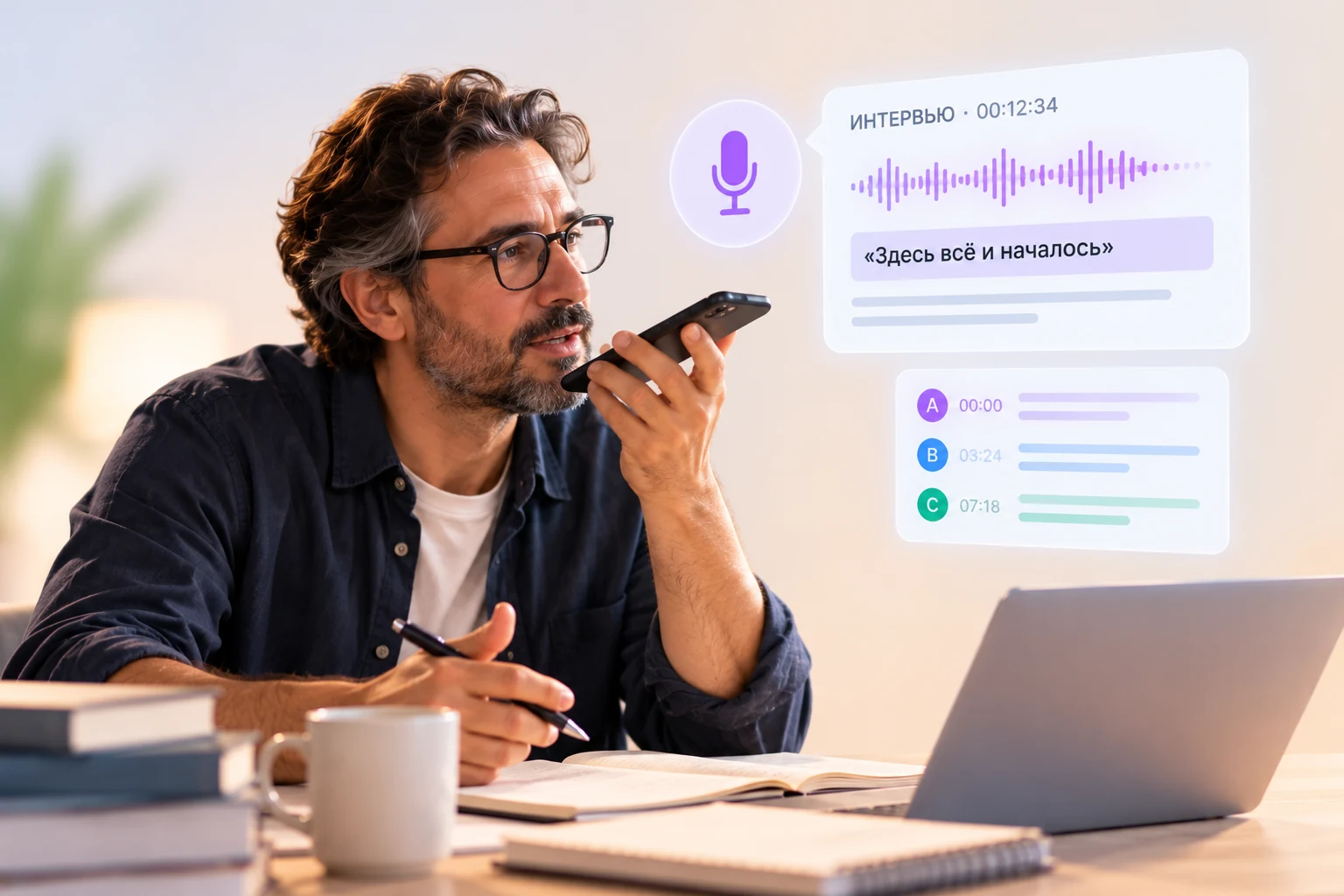
Keep track of group conversations effortlessly: S·Pika identifies and separates individual speakers, even in multi-speaker recordings with spontaneous speech and accents.
Speaker AI think the experience itself is what really matters here…
Speaker BWell, my experience was completely different.
Speaker CYeah, I was actually going to say the same thing.
Learn more
Accurate speech recognition
Names, terms, brands, industry jargon, and natural speech patterns. Get structured, readable text with punctuation that saves you time on manual edits.
More than just individual words
“Anna, let's circle back to the UX research. We talked about this on Zoom, remember?”
Learn more
Speed
Less processing time means more time to read, edit, and analyze your results.
Multi-language support
Transcribe audio in multiple languages. Translate documents while preserving their original layout and formatting.
Learn more
No subscription required
Pay only for the processing you need. Unused credits never expire—use them whenever your next project comes up. No recurring monthly fees.
Public sharing links
Share transcriptions with teammates or clients in one click—just send them a link.
Privacy & data protection
Results are stored for a limited time. You can delete your available transcriptions yourself.
Learn more
Who S·Pika is for
For anyone working with content
One simple tool for all your workflow needs. Cut out the busywork and focus on what matters.
Researchers and UX teams
Turn interviews and focus groups into clean, readable transcripts with automatic speaker diarization. Easily follow the flow, even with multiple speakers.
Journalists and writers
Pinpoint key quotes instantly and jump straight to the exact moment with clickable timestamps — no more re-listening to hours of audio.
Creators & Video Production
Generate show notes, captions, and subtitles in seconds. Use transcripts to speed up video editing, pull key clips, and repurpose content into new posts.
Teams and consultants
Keep accurate notes from team meetings and client calls. Share ready-to-read transcripts in one click via a public link.
Educators and students
Turn lectures and seminars into searchable text. Quickly find key explanations and review notes whenever you study.
Anyone working with documents
Translate presentations, spreadsheets, and documents into multiple languages — while keeping your original layout perfectly intact.
How it works
From file to result, with no surprises
Just three simple steps. No complicated setup.
TEXT
VIDEO
▶
AUDIO
1
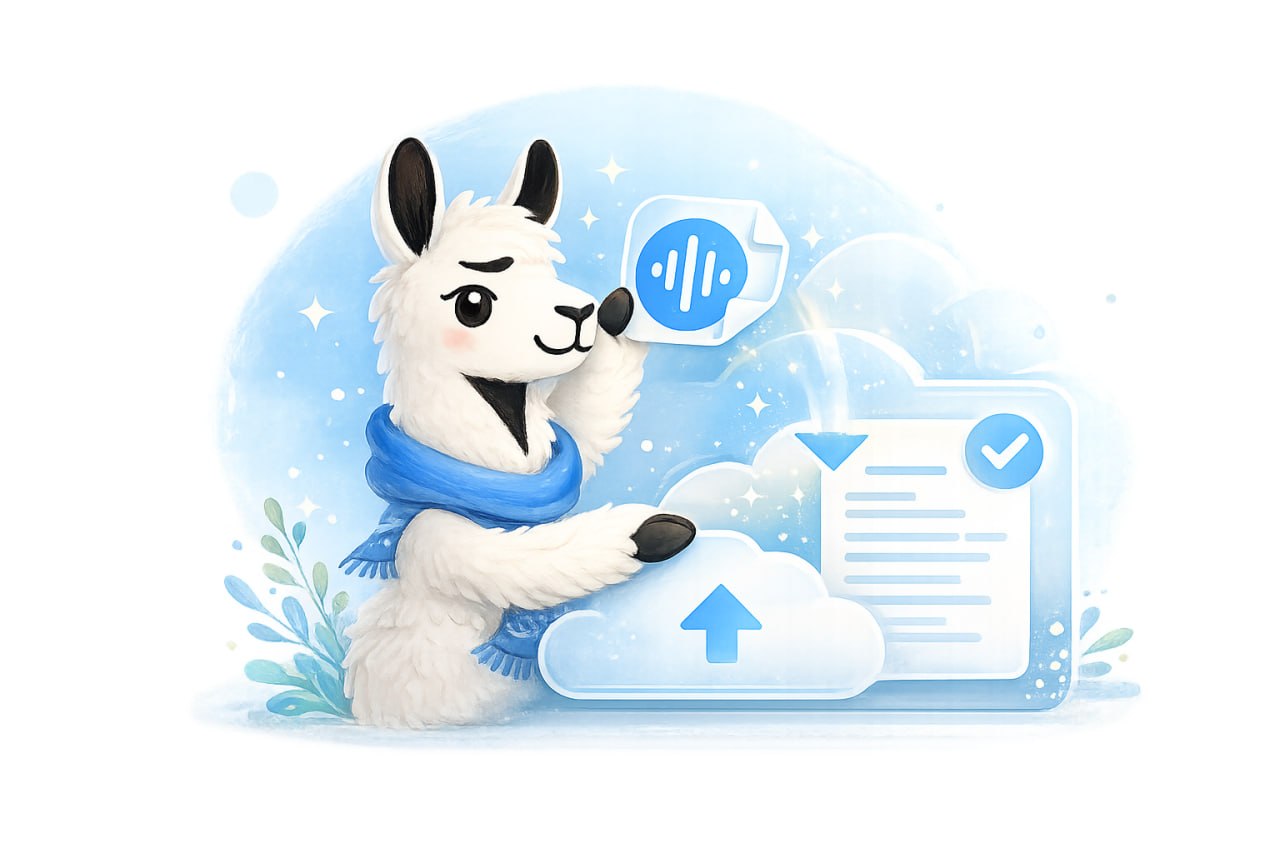
Upload your file
S·Pika checks the file format and size and calculates how much processing is needed.
Interview.mp312:00
Cost12 credits
Start transcription
2
Check the cost and start
Know the exact credit cost upfront. No hidden fees or surprise charges.
✓Completed
OpenShare
3
Download your result
Results are stored temporarily, so be sure to download them to your device.
No subscription or complicated plans
You know what you are paying for in advance
Credits never expire. They are held when processing is confirmed and deducted only after a successful result.
✓Transparent pricingThe total cost is displayed before processing begins.
✓Refunds for technical errorsIf processing does not complete, held credits return to your balance.
✓Temporary file storageResults are available for a limited time so you can download them.
CHOOSE A PACKAGE FOR THE WORK YOU NEED TO DO
From €0.05 / minute of transcription
From €0.25 / 1,000 characters translated
20 free credits after sign-up — up to 20 minutes of transcription or 4,000 characters translated.
Mini
60 credits
€ 4.99
Standard
150 credits
€ 9.99
Pro
450 credits
€ 24.99
Max
1,000 credits
€ 49.99
Payment methods:
Ready to free up time for the work that matters most?
Sign in or create an account, receive 20 starter credits, and try S·Pika with your own recording or document.
See how simple it is
Everything you need to process audio and documents, from upload to final output
Focus on the conversation, not typing
S·Pika turns interviews, meetings, lectures, and focus groups into structured text. Skip listening to hours of recordings, manually tagging speakers, or piecing together transcript fragments.
S·Pika is designed to handle natural speech, technical terminology, and proper names with care. Transcripts are split by speaker, with optional timestamps for quick navigation.
What you get
A polished document, not a rough draft
Choose your output format before downloading: continuous text or speaker-segmented dialogue, with or without timestamps. Export directly to DOCX or PDF.
High-accuracy speech recognition
Proper nouns, brand names, and industry terminology are recognised with precision.
Speaker diarization
A clean, sequential speaker breakdown that is easy to read and edit.
Transparent pricing
See the exact credit cost upfront before processing begins.
Pay as you go
Pay only for what you process; your credits never expire.
How it works
What happens after selecting your files
Processing will not start until you confirm.
Upload 1 to 5 files
Upload your files for validation. S·Pika will automatically calculate the duration for each file.
Choose the language
Select the language spoken in the recording to help improve recognition accuracy.
Review the cost and start
The total credit cost for the entire batch appears on screen. You can remove or replace files before proceeding. Processing starts only when you click “Start transcription”, and the required credits are placed on hold.
Wait for completion
Files are processed sequentially. You will see an estimated completion time and current status for each file.
Download your results
Credits are deducted upon successful completion, and you can download your DOCX or PDF files. If processing fails because of a technical error, held credits are returned to your balance.
You always know what’s happening
File duration and cost are shown upfront, status and estimated time during processing, and your ready file upon completion. Transcriptions are stored for 7 days—be sure to download them before they expire.
Pricing
1 minute of audio = 1 credit
Each partial minute for every file is rounded up individually.
Calculation: Credits per file = duration in seconds ÷ 60, rounded up to the next whole minute
File costs are calculated individually, then summed into a total batch price.
S·Pika displays the exact credit requirement upfront.
Credits are held when you click “Start transcription” and deducted only after successful processing.
In case of a technical error, held credits are fully refunded.
Examples:
Single file23m 14s → 24 credits
A partial final minute counts as a full minute.
Two files1m + 3m 01s → 5 credits
First file = 1 credit; second file = 4 credits.
Technical errorCharged → 0 credits
If processing fails, reserved credits are returned to your balance.
For best results, avoid heavy background noise, extremely low speech volume, or overlapping dialogue.
File extensions are verified before submission. Unsupported files will be excluded, while valid files remain in the processing queue.
Supported languages
S·Pika transcribes speech in 60 languages
Choose the language spoken in the recording before you start to improve recognition of speech, names, and specialist terminology.
Afrikaans
Albanian
Arabic
Azerbaijani
Basque
Belarusian
Bengali
Bosnian
Bulgarian
Catalan
Chinese
Croatian
Czech
Danish
Dutch
English
Estonian
Finnish
French
Galician
German
Greek
Gujarati
Hebrew
Hindi
Hungarian
Indonesian
Italian
Japanese
Kannada
Kazakh
Korean
Latvian
Lithuanian
Macedonian
Malay
Malayalam
Marathi
Norwegian
Persian
Polish
Portuguese
Punjabi
Romanian
Russian
Serbian
Slovak
Slovenian
Spanish
Swahili
Swedish
Tagalog
Tamil
Telugu
Thai
Turkish
Ukrainian
Urdu
Vietnamese
Welsh
Get translations without rebuilding your documents
S·Pika translates text files, documents, presentations, and spreadsheets. It can detect the source language automatically while preserving the original layout, formatting, and design.
No more manual copy-pasting between windows or reformatting headings, tables, images, and slides from scratch.
Why you’ll love it
A translated document, not raw text
Download a translated version of the original file instead of plain text that needs to be pasted back manually.
Auto-language detection
Not sure of the source language? S·Pika detects it automatically.
Retained formatting
Structure, fonts, images, and layouts are preserved as closely as the file format allows.
Upfront pricing
Character count and total credit cost are displayed before you start processing.
Download-ready
Access and download your translated file directly from your history for 24 hours.
How it works
From source file to translated document
Each translation task processes one document at a time.
Upload your document
S·Pika verifies the format and file size, then calculates the translatable character count.
Select language
The source language is auto-detected by default. Simply choose your target language.
Review cost and start
Processing starts only when you click “Translate”. Credits are placed on hold upon confirmation.
Download your file
Credits are deducted upon successful completion. Download your file within 24 hours before it expires.
Pricing
5 credits per 1,000 characters (rounded up)
Minimum billable volume varies depending on file type.
Calculation: Credits = (billable characters ÷ 1,000, rounded up to the next whole thousand) × 5
TXT, SRT, HTML, XLIFF: charged based on actual character count, starting from 5 credits.
The minimum 100 credits covers up to 20,000 characters.
Large document27,438 characters → 140 credits
Volume is rounded up to 28,000 characters.
Technical requirements
Document formats and limits
DOCX, PPTX, XLSX, PDF
Up to 30 MB per file
HTML and HTM
Up to 5 MB per file
XLIFF and XLF
Up to 10 MB per file
TXT and SRT
TXT: up to 1 MB; SRT: up to 150 KB
Maximum 1,000,000 characters per document.
Legacy DOC, PPT, and XLS formats are not supported—please save them as DOCX, PPTX, or XLSX before uploading.
Text expansion or contraction during translation may slightly alter line breaks and layout positioning.
For scanned PDFs, translation quality depends on how accurately the original text was recognised.
Supported languages
S·Pika supports translation across 101 languages
The source language can be detected automatically or selected manually. We recommend selecting the source language explicitly when known for better accuracy, especially on short texts, single words, and fragments.
Afrikaans
Albanian
Arabic
Aragonese
Armenian
Assamese
Aymara
Azerbaijani
Bashkir
Basque
Belarusian
Bengali
Bosnian
Breton
Bulgarian
Burmese
Catalan
Chinese (Simplified)
Chinese (Traditional)
Croatian
Czech
Danish
Dutch
English (United Kingdom)
English (United States)
Esperanto
Estonian
Filipino
Finnish
French (Canada)
French (France)
Galician
Georgian
German (Germany)
German (Switzerland)
Greek
Guarani
Gujarati
Haitian Creole
Hausa
Hebrew
Hindi
Hungarian
Icelandic
Igbo
Indonesian
Irish
Italian
Japanese
Javanese
Kazakh
Korean
Kyrgyz
Latin
Latvian
Lingala
Lithuanian
Luxembourgish
Macedonian
Malagasy
Malay
Malayalam
Maltese
Maori
Marathi
Mongolian
Nepali
Norwegian Bokmål
Occitan
Oromo
Pashto
Persian
Polish
Portuguese (Brazil)
Portuguese (Portugal)
Punjabi
Quechua
Romanian
Russian
Sanskrit
Serbian
Slovak
Slovenian
Southern Sotho
Spanish (Latin America)
Spanish (Spain)
Sundanese
Swahili
Swedish
Tajik
Tamil
Tatar
Telugu
Thai
Tsonga
Tswana
Turkish
Turkmen
Ukrainian
Urdu
Uzbek
Vietnamese
Welsh
Wolof
Xhosa
Yiddish
Zulu
Pay only for what you use
No subscriptions or monthly charges. Credits never expire.
Choose a credit package
Larger packages offer lower per-credit rates
Try it out
Free / Start
20 credits
€ 0
Get started →
Occasional Use
Mini
60 credits
€ 4.99
Choose package →
Most popular
Standard
150 credits
€ 9.99
Choose package →
Best value
Pro
450 credits
€ 24.99
Choose package →
High-volume work
Max
1,000 credits
€ 49.99
Choose package →
Standard terms for every package
Transparent rules for credit purchase and usage
One-time purchase, no subscription
Pay once, with no automatic renewals or recurring charges.
Transparent credit calculation
The exact credit cost is calculated and shown before processing starts, with no hidden charges.
Credits never expire
Unused credits remain on your balance indefinitely.
Packages stack
You can buy another package anytime; its credits are added to your current balance.
Free credits are used first
Once they are used up, paid credits are used automatically.
Credits are reserved during processing
The required credits are reserved after upload. If an early technical error occurs, they are fully refunded to your balance.
Hello!
View your credit balance and activity
Credit balance
Unused credits — both free and paid — do not expire over time
—credits available
Used—
Processing—
Available—
Free credits—
Paid credits—
Loading active processing information…
Add credits
Choose the right one-time package for you
Credit Activity Log
All credit additions, reservations, charges, and balance adjustments
Date
Activity
Change
Balance
Loading activity…
How your balance works
Free credits are used first, then paid credits. Before a service starts, credits are reserved. They are charged after successful completion and returned to the same balance if a technical error occurs.
Account settings
Manage your name, password and account details
Account details
Used for signing in and addressing you in S·Pika
—
You can’t change your email address yourself
Change password
We do not store or show your current password
Delete account
Once deleted, you won’t be able to sign in or create another account with the same email address. Account and activity information will remain in the system.
Seamless global communication
Translate documents while keeping their meaning, structure and layout
Translate a document
Upload your document. S·Pika preserves its original structure and formatting
Choose your languages
Select the source language when you know it for better accuracy. Then choose the language you want to translate into.
→
Price: 5 credits per 1,000 characters (rounded up to the next 1,000)
TXT, SRT, HTML, XLIFF: charged by actual volume (from 5 credits)
DOCX, PPTX, XLSX, PDF: from 100 credits (includes up to 20,000 characters, then 5 credits per 1,000 characters)
Translation history
Translated files are stored for 24 hours and cannot be recovered once deleted. Make sure to download your files
File
Translation languages
Status
Result
Sign in to view your translation history
Summary
This section is under development and will be available in an upcoming update.
Turn recordings into usable text
Turn an interview, meeting or conversation into text that is easy to work with
Do not refresh the page while processing. The status updates automatically.
Uploading audio
pending
Transcribing speech
pending
Saving the result
pending
Price: 1 credit per minute of audio (rounded up to whole minutes)
Each audio file is priced separately
Before you start, you will see the exact number of required credits
Transcription history
Transcriptions are stored for 7 days and cannot be recovered once deleted. Make sure to download your files.
Audio file
Status
Actions
Loading history...
Share transcript
You are creating a public link to the transcript. Anyone with the link can open it without signing in to S·Pika. Only share the link with people you trust.